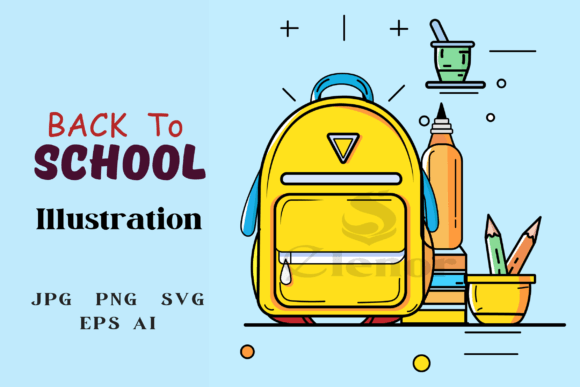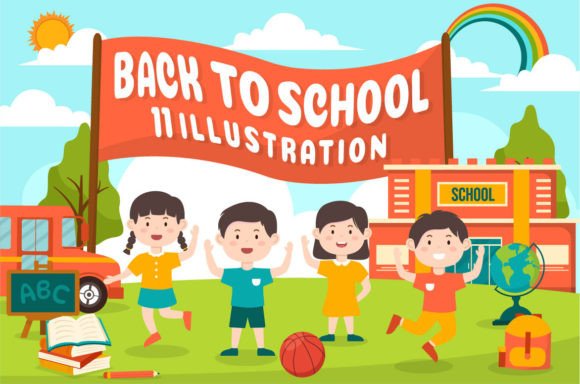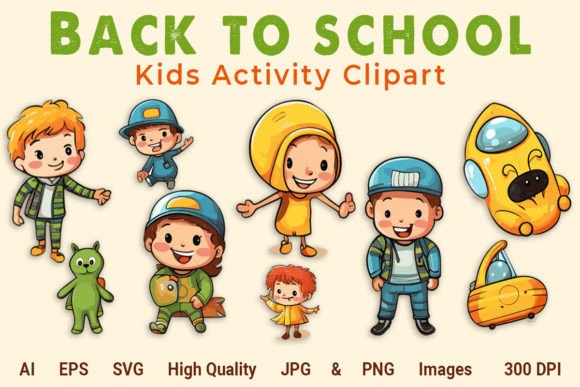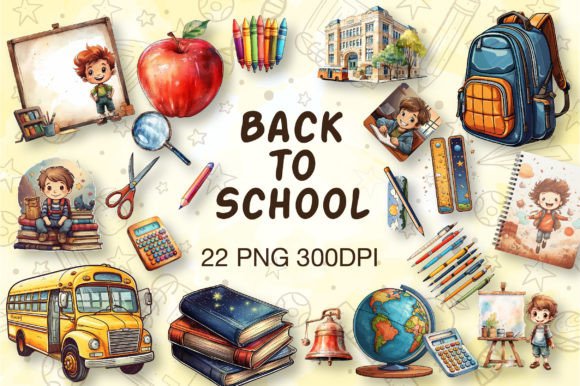
Back to School Vector Element Collection
If you're designing classroom posters, launching an education-themed blog, creating social media graphics for a tutoring business, or preparing back-to-school marketing materials for a small school supply shop — the Back to School Vector Element Collection is a practical, time-saving resource. It’s not just another clipart pack: it’s a curated set of 13 high-quality, editable vector illustrations — each delivered in both PNG (for quick use) and EPS (for full scalability and professional editing). These aren’t pixelated raster images or low-res downloads; they’re clean, layered, production-ready assets built for real-world flexibility.
What People Often Misunderstand About This Collection
Many assume “vector” automatically means “easy to customize” — but that’s only true if the files are well-structured. Some users download collections expecting plug-and-play compatibility with Canva or Google Slides, only to discover EPS files require Adobe Illustrator (or similar vector software) to unlock full editing control. Others overlook file organization: this collection includes 100 individual vector shapes spread across 13 files — not one monolithic “back to school” graphic. That means you’ll need to open each EPS separately to access specific icons like apples, chalkboards, pencils, or graduation caps. Confusing the two formats (PNG vs. EPS) early on can lead to scaling issues, lost transparency, or unnecessary workarounds.
A Common Mistake: Skipping the Extraction Step
The files arrive compressed in a single ZIP archive — and here’s where many stumble. Double-clicking on the ZIP file in Windows or macOS doesn’t always extract cleanly, especially if third-party compression tools aren’t installed or outdated. Some users try dragging files directly from the ZIP window into Illustrator or Photoshop, assuming the vector data will render correctly. It won’t. EPS files must be fully extracted first. Without proper extraction, you risk opening corrupted previews, missing layers, or blank artboards.
Better approach: Right-click the ZIP file → select “Extract All…” (Windows) or “Expand Archive” (macOS), then open the resulting folder. Verify all 13 EPS and 13 PNG files appear before launching your design app. If you prefer WinRAR or 7-Zip, ensure they’re updated — older versions sometimes misread modern ZIP encoding.
Another Overlooked Detail: Editing Expectations
“Easy to edit and scalable” is accurate — but only if you understand what that entails. Each EPS file contains grouped, labeled layers (e.g., “text bubble,” “book stack,” “backpack outline”) — great for swapping colors or rearranging elements. However, if you’re new to vector workflows, trying to recolor a complex shape without ungrouping first may affect multiple objects at once. Similarly, resizing a PNG version beyond its original dimensions will cause blurriness — even though the same illustration exists crisply in EPS form.
For example: A freelance educator designing printable worksheets might start with the PNG apple icon for speed. But when they later need to add a custom shadow or adjust stroke weight, they’ll hit a wall — because PNGs don’t support vector-level adjustments. The fix? Switch to the matching EPS file, ungroup (Object > Ungroup in Illustrator), and edit individual paths with precision.
Why File Format Choice Matters More Than You Think
Using the wrong format for your platform or output goal affects more than just appearance — it impacts efficiency, consistency, and even client trust. Say you’re building a responsive website banner for a summer camp registration page. Using PNGs forces you to generate multiple sizes (mobile, tablet, desktop), increasing load time and maintenance. With EPS originals, you can export SVGs — lightweight, resolution-independent, and SEO-friendly for web use. Or if you’re printing banners for a school fair, EPS ensures razor-sharp output at any physical size, unlike stretched PNGs that reveal jagged edges.
Also worth noting: Not all PNGs in this collection are transparent-background. While most are, always check the preview thumbnail or open one in Photoshop to confirm transparency before layering over colored backgrounds. When in doubt, open the corresponding EPS and export a fresh PNG with transparency enabled.
What to Check Before Downloading or Purchasing
- Software compatibility: Confirm you have access to vector-editing software (Adobe Illustrator, Affinity Designer, Inkscape) if you plan to modify colors, strokes, or composition — not just view or place images.
- License scope: This collection is typically licensed for personal and commercial use, but verify whether redistribution (e.g., bundling in a template you sell) or use in physical merchandise (like mugs or t-shirts) is permitted — some licenses restrict extended usage.
- Color mode: All files are RGB — ideal for digital screens. If you’re prepping for professional print (e.g., brochures or flyers), convert to CMYK in your design app *after* editing, not before — EPS files retain full fidelity during conversion.
- Preview accuracy: Don’t rely solely on website thumbnails. Look for downloadable preview PDFs or ZIP samples showing actual file structure and layer naming — this reveals how organized and production-ready the assets really are.
Realistic Use Cases That Benefit Most
Educators crafting interactive lesson slides benefit from dropping crisp, resizable chalkboard or notebook icons directly into PowerPoint — just copy-paste the PNGs for speed, or embed EPS via “Insert > Object” for future edits. Bloggers covering study tips or remote learning tools can mix and match vector pencils, laptops, and lightbulbs to create unique featured images — no stock photo subscription needed. Small business owners launching a “Back to School Sale” email campaign save hours by replacing generic icons with cohesive, branded visuals pulled straight from this set.
And for freelancers juggling tight deadlines: having 100 ready-made shapes means less time hunting for assets and more time refining messaging, layout, and user experience — which ultimately leads to stronger client outcomes and repeat work.
Final Thought: It’s About Intentional Use, Not Just Quantity
Thirteen files and 100 shapes sound generous — and they are — but value comes from how thoughtfully you apply them. Don’t treat this as a “set and forget” download. Spend 10 minutes exploring one EPS file: ungroup elements, test color changes, resize, export a test SVG. That small investment pays off every time you reuse a modified icon across platforms. And remember: the ZIP isn’t the end point — it’s the starting gate. Extract, explore, edit, and adapt. That’s how a simple Back to School Vector Element Collection becomes a long-term creative asset — not just seasonal decoration.